
Choose your platform

Move characters from Character.AI
Open the migration page
Start below. On first use, the page walks you through installing the Transfer extension in desktop Chrome.
Sign in to Character.AI
Sign in on Character.AI’s own website. Your password and session stay in that tab.
Choose and review
Pick the characters you created, then check the name, description, definition and opening message.
Import to Pogee
Sign in to Pogee and confirm. Only the characters you selected are imported.
- Moves: characters you created, with name, tagline, description, definition and opening message.
- Does not move: chat history, purchases and characters made by other people.
Needs desktop Chrome and the Pogee Transfer extension. The migration page shows how to install it.

Move characters from Tipsy
Open the migration page
Start below. On first use, the page walks you through installing the Transfer extension in desktop Chrome.
Sign in to Tipsy
Sign in on Tipsy’s own website. Your password and session stay in that tab.
Choose and review
Pick the characters you created, then check the name, description, definition and opening message.
Import to Pogee
Sign in to Pogee and confirm. Only the characters you selected are imported.
- Moves: characters you created, with name, tagline, description, definition and opening message.
- Does not move: chat history, purchases and characters made by other people.
Needs desktop Chrome and the Pogee Transfer extension. The migration page shows how to install it.

Move characters from PolyBuzz
Open the migration page
Start below. On first use, the page walks you through installing the Transfer extension in desktop Chrome.
Sign in to PolyBuzz
Sign in on PolyBuzz’s own website. Your password and session stay in that tab.
Choose and review
Pick the characters you created, then check the name, description, definition and opening message.
Import to Pogee
Sign in to Pogee and confirm. Only the characters you selected are imported.
- Moves: characters you created, with name, tagline, description, definition and opening message.
- Does not move: chat history, purchases and characters made by other people.
Needs desktop Chrome and the Pogee Transfer extension. The migration page shows how to install it.

Move characters from Zeta
Open the migration page
Start below. On first use, the page walks you through installing the Transfer extension in desktop Chrome.
Sign in to Zeta
Sign in on Zeta’s own website. Your password and session stay in that tab.
Choose and review
Pick the characters you created, then check the name, description, definition and opening message.
Import to Pogee
Sign in to Pogee and confirm. Only the characters you selected are imported.
- Moves: characters you created, with name, tagline, description, definition and opening message.
- Does not move: chat history, purchases and characters made by other people.
Needs desktop Chrome and the Pogee Transfer extension. The migration page shows how to install it.
No Chrome? On the migration page you can also open a character JSON file or a backup and export Pogee drafts.
What the migration covers
The tool moves characters you created on Character.AI, Tipsy, PolyBuzz or Zeta: name, tagline, description, definition and opening message. It reads only your own characters from the account you sign in to.
Chat history, purchases, subscriptions and characters created by other people stay on the original platform. To keep a record of your Character.AI chats, request the official data export separately.
Characters to chat with
 Silver Storm DragonA half-dragon bodyguard holding back a storm to keep you safe.Chat →
 SeoyunThe internet-café manager who teases you and saves you dinner.Chat →
 Han JisuYour fiancée just became your boss, six weeks before the wedding.Chat →
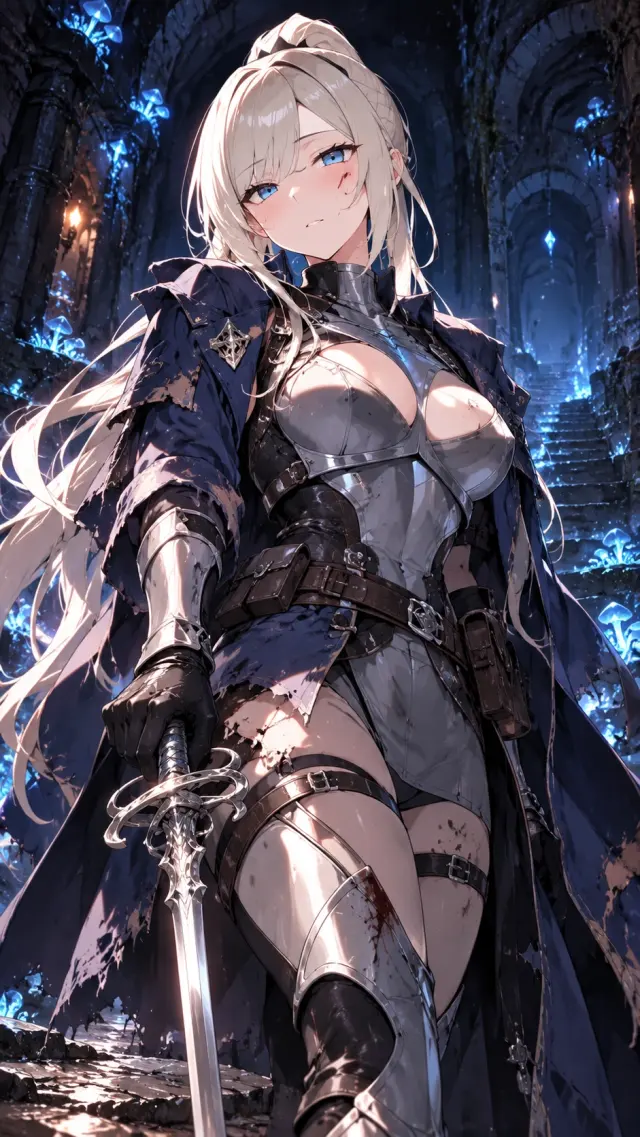 Kang HaerinA top guild master, stripped of her magic and lost in a maze with you.Chat →
 AldermereA forest keeper who fell from the sky holding a leaf with your name.Chat →
 JulianYou complained about the noise; the pianist upstairs offered lessons.Chat →
 EunseoPolished consultant by day, arcade fighting-game champ by night.Chat →
 The Dragon SlayerA retired hero secretly raising the hatchling of the dragon he slew.Chat →
Your accounts and data
This page hosts an unmodified copy of Pogee’s Transfer workspace. You sign in on each platform’s own website; the tool never asks for your password or a session token. Conversion runs in your browser.
Characters are sent to Pogee only when you confirm the import. You can back up drafts to a JSON file on your device; this site does not keep a copy.
After you move your characters
Open one imported character on Pogee and try a short scene. Check the voice, relationships and opening message, then edit anything that did not carry over.

Reader vote
More polls →Pick a character

Neural Courier
A courier with one hour before her mind is wiped. She needs a partner.
Chat with Neural Courier →